Bikes and the garage
The Bike Universe garage explained: E-Bikes, Motorbikes and Sport Bikes filters, the bikes you can buy, what Stryk Vorg adds and how to swap your ride.
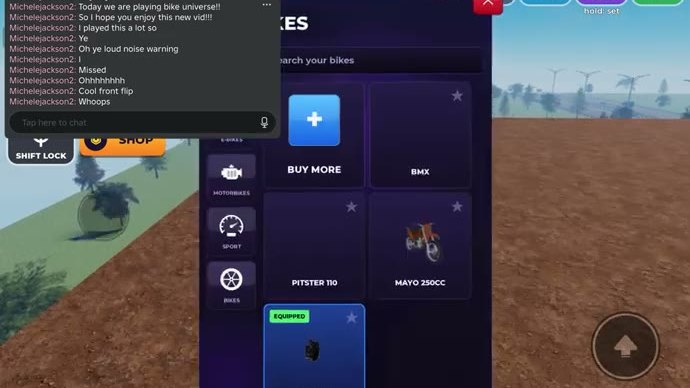
Open BIKES and you get your own searchable garage sorted into ALL, E-BIKES, MOTORBIKES and SPORT BIKES, with an EQUIPPED tag on whatever you are riding. Anything not in your list is sold through the same screen with BUY MORE.
Everything you own lives behind one button. BIKES opens your own garage rather than a shop window: it is a searchable list of what you have, with an EQUIPPED tag on the one you are riding and the filter tabs that sort the rest. Understanding that screen is the difference between upgrading deliberately and buying the same thing twice.
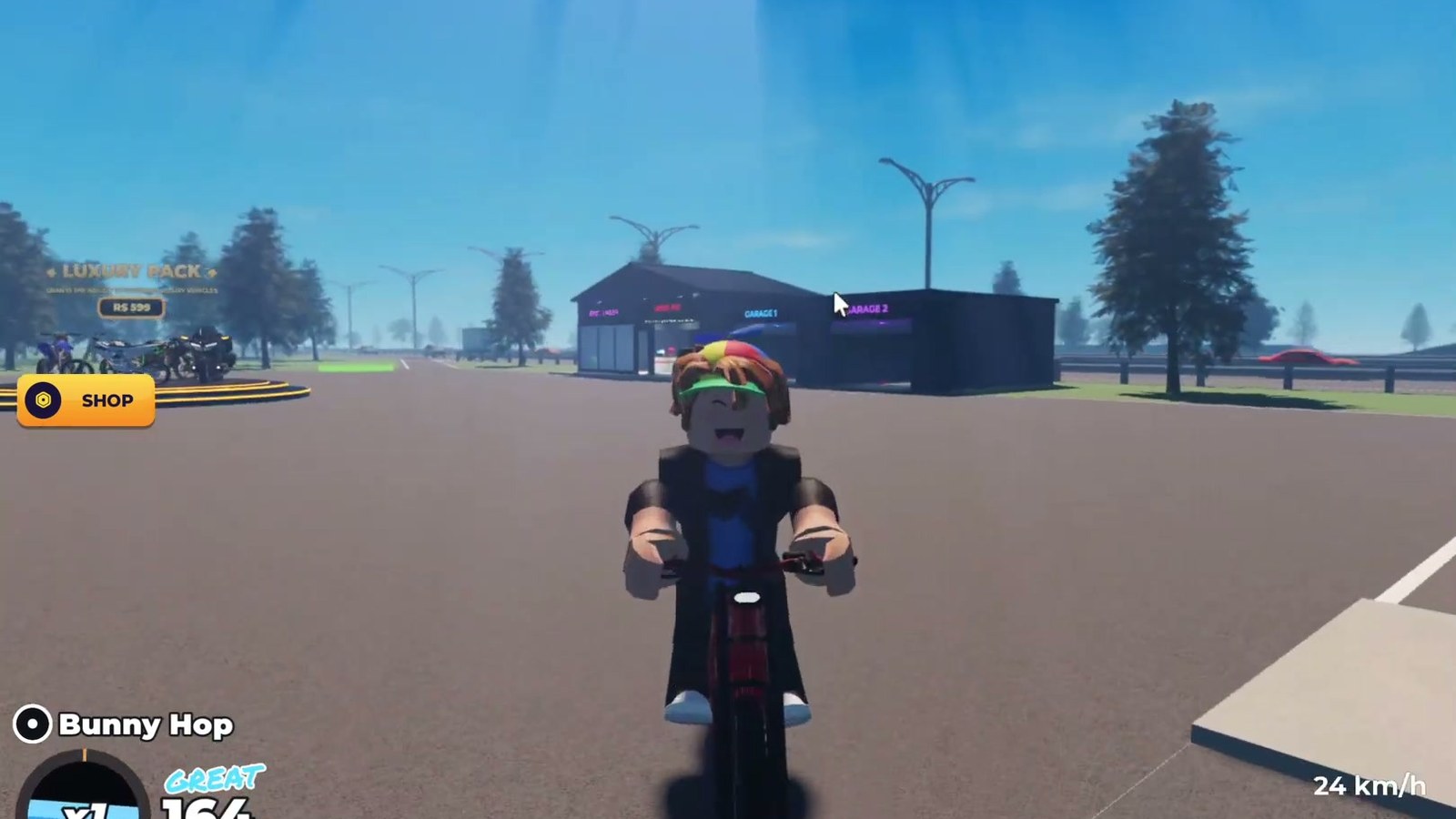
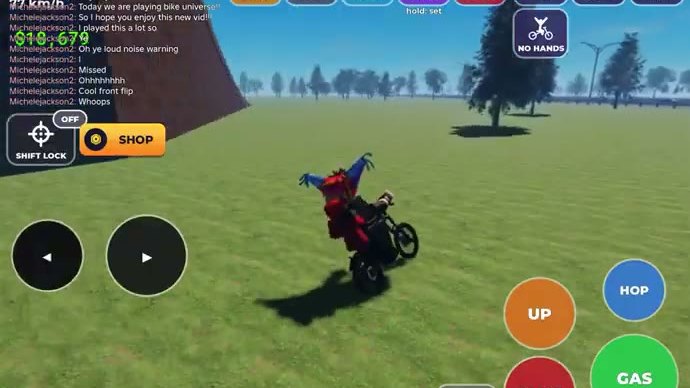
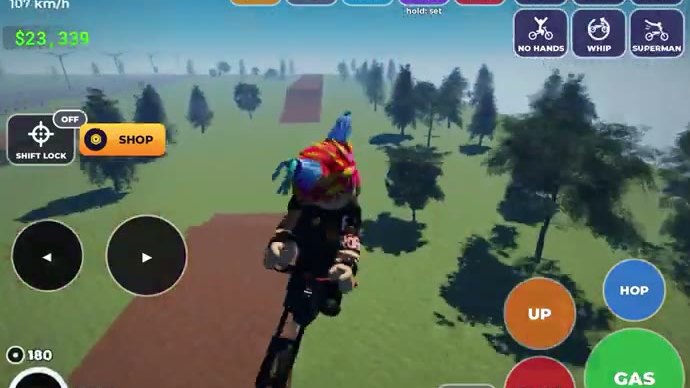
Gameplay still from a public Roblox video.
The four filters, and why they matter
The garage sorts bikes into ALL, E-BIKES, MOTORBIKES and SPORT BIKES, and there is a search field above the list.
| Filter | What belongs there | How to use it |
|---|---|---|
ALL | Everything you own | The default view; the fastest way to find the bike you were riding yesterday |
E-BIKES | Electric bikes | Quiet, instant power; the class the developers name first in the game description |
MOTORBIKES | Petrol-style and dirt bikes | The class that matches most of what you see on the highway and on the ramps |
SPORT BIKES | The sport end of the list | The category to check before you decide you need something faster |
Anything that is not already in your list is sold from the same screen — the buy option sits alongside the listing rather than in a separate shop. That is why the fastest check before any purchase is simply: open BIKES, hit ALL, and look.
The bikes you can expect to meet
Bike Universe uses real bikes as its reference points. BMX, Pitster 110, Mayo 250cc and Suron all show up in the garage listing, and the developers describe the game as having electric, dirt and pedal bikes with realistic physics.
The most famous one has its own game pass. Stryk Vorg costs 399 R$ and the official store description reads, in full: "Grants you the stark varg in game." That is the only bike the Robux store names directly — the rest of the passes are a cosmetic bundle, extra build slots, a cash multiplier and a VIP package, and none of them is described as a vehicle.
Choosing the right bike for the riding you do
Three questions settle most upgrade decisions faster than any stat table would:
- Where do you actually spend your time? The long multi-lane highway and the city blocks reward a bike that stays settled at speed. The grass fields full of ramps reward a bike that tolerates a heavy landing.
- What fails most often? If tricks are bailing, the problem is usually the bike's behaviour under a sudden weight shift, not its top speed — a smaller, lighter bike will land more attempts.
- How much can you change what you own?
BUILDis where a bike you already have gets adjusted. Check it before you decide the bike is the problem.
Before you buy anything
- Open
BIKESand read the list; theEQUIPPEDtag tells you what you are on right now. - Use the search field if the list has grown — typing three letters beats scrolling.
- Check the same screen's buy option before you open
SHOP, because the price and the listing are shown together there. - Then compare against the money guide: a bike is an upgrade only if it makes the riding you already do pay better.
New to the game? The beginner guide walks the first ten minutes, including the one screen that stops most early purchases — your existing garage.