Common problems
Bike Universe problems and fixes: bikes that will not spawn, sticking in a bail state, controls not responding, lag on low-end devices and lost progress.
Most Bike Universe problems are one of four things: the bike never spawned, you are still in a BAILED state, the throttle input is not reaching the bike, or the server was already full at 20 players. Rejoining through the Roblox page resets all four.
Most Bike Universe sessions that go wrong go wrong in one of four ways: the bike never came back, you are still in a crashed state, an input is not reaching the bike, or the server was full before you got in. All four are visible on the HUD if you know what to look at, and all four are fixed the same way.
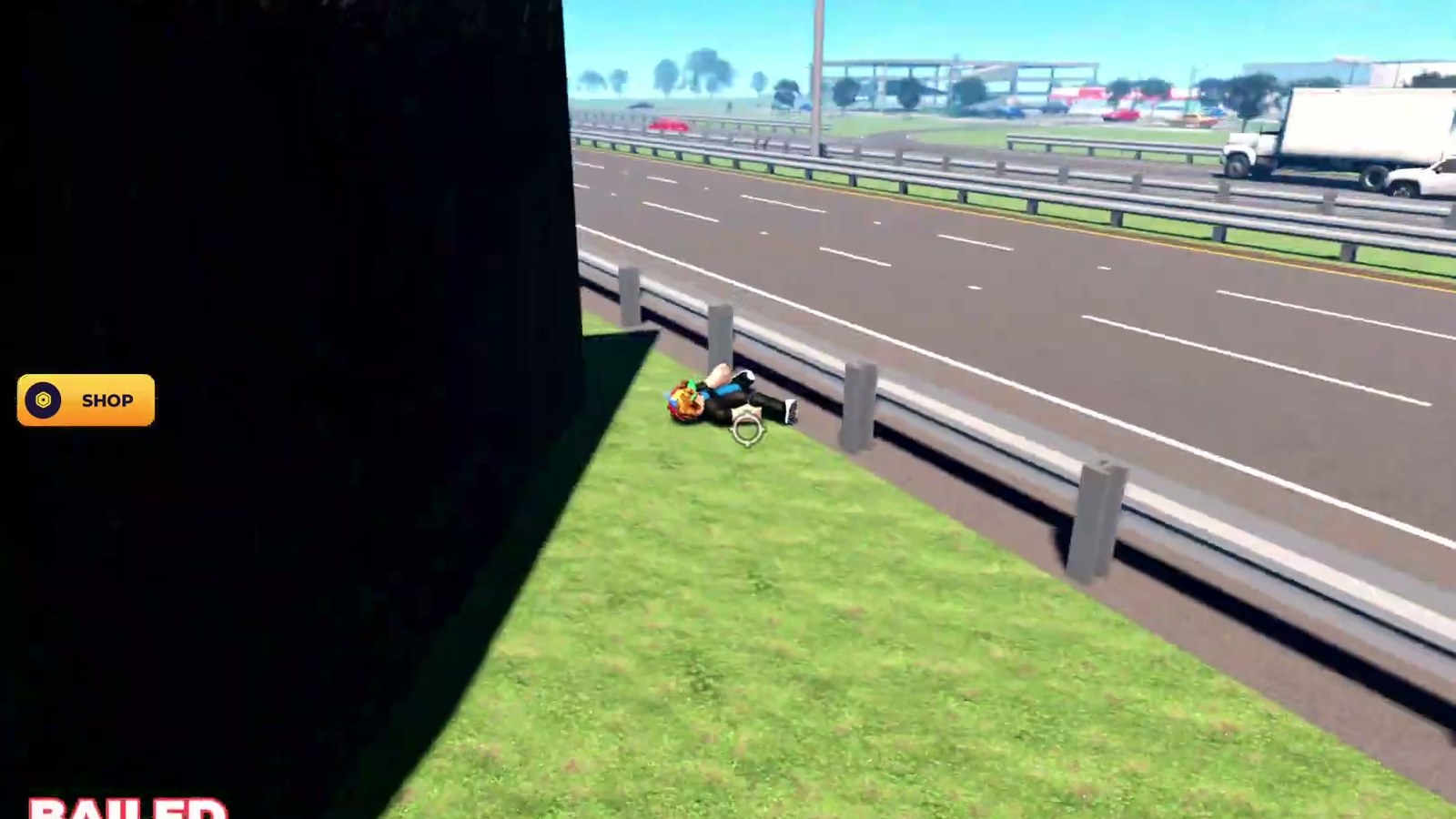
Gameplay still from a public Roblox video.
Symptom to fix
| What you see | First check | What to do |
|---|---|---|
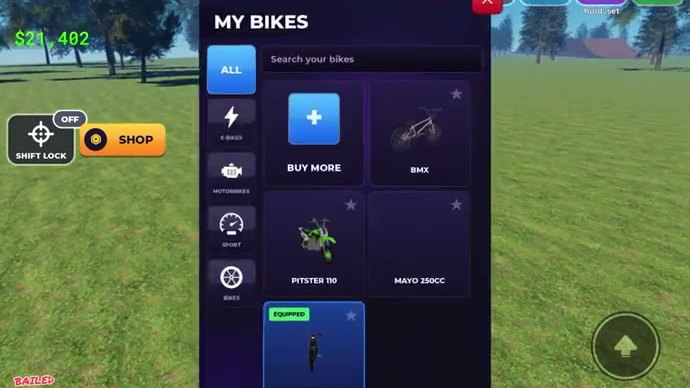
| The bike is not where you left it and nothing spawns | Are you on foot with the bottom row still showing BIKES and SPAWN? | Open SPAWN and move your spawn, then rejoin — a spawn point inside geometry is the usual cause |
BAILED is on screen and inputs feel dead | Are you still beside the crashed bike? | Wait for the bike to settle, get back on, and rebuild speed. Nothing clears a bail faster than riding away from it |
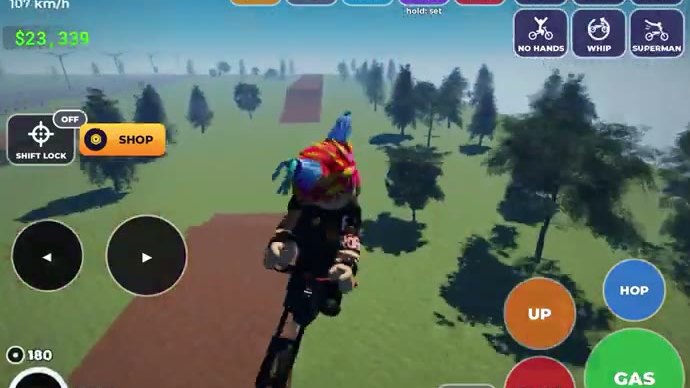
The throttle (GAS) does nothing | Is the speed readout stuck at 0 while you hold it? | Get off the bike and back on, then check the pedal again — an input that stops reaching the bike usually recovers on a remount |
| You cannot brake in time | Are you riding a bike you just bought? | Brake earlier than you think. REAR BRAKE behaviour changes between bikes; test it in the city blocks before you take a new bike to the ramps |
| The session feels late and frames are dropping | Is anything else running on the device? | Close background apps. A stutter at the moment of a landing turns a payout into a BAILED |
| You were dumped back to the Roblox page | Were there already 20 players in the server? | Nothing is broken: the server is full. Rejoin and the game puts you in a fresh one |
The universal first move: leave and come back
Every state problem in Bike Universe — bike missing, controls unresponsive, stuck after a bail, visibly late session — is solved faster by leaving the server and rejoining from the game's Roblox page than by trying to repair the session from inside it. There is no progress to lose in the sense that matters: your cash and your garage live with your account, and the game rebuilds your session around you when you rejoin.
Do it in this order:
- Leave the server through the Roblox menu rather than alt-tabbing away.
- Rejoin from the game's Roblox page — the same page that carries the
[AI COPS]update tag and the server size. - Check the button row is complete when you load:
SHOP,BUILD,BIKES,PHONEandSPAWN. A missing entry means the session did not initialise properly, so leave and rejoin once more. - Test the pedals before you ride far. Tap the throttle and the
REAR BRAKEon a straight piece of road; both should respond immediately.
Device and network checks worth doing
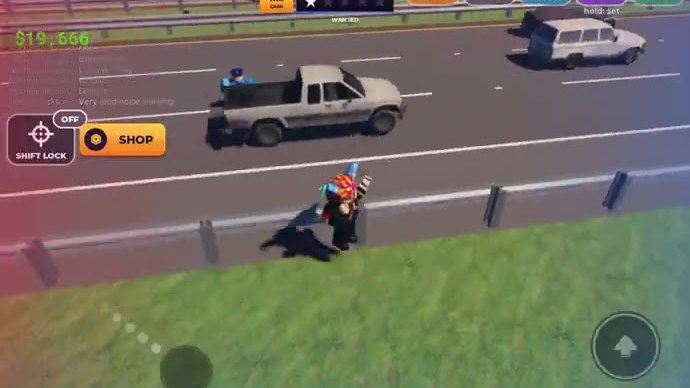
Bike Universe is a physics game with traffic and patrol cars in it, so it is more sensitive to a bad connection than a static Roblox experience would be:
- Wired or stable Wi-Fi beats mobile data for one simple reason: a lag spike mid-stunt reads to the game as a failed attempt, and you see
BAILEDinstead of a payout. - A device that renders the HUD legibly matters. The speed and stunt readouts are small and at the bottom of the screen, and you need both while riding — controls covers the on-screen layout.
- Give the game the whole screen. Browser clutter and background tabs both cost frames, and frames are what land stunts.
- If the map looks wrong rather than slow — a landmark in the wrong place, a ramp missing — that is a build change rather than a problem on your end. The update log lists what the current build is known to contain.
When it is not your session at all
Two things are worth checking before you spend an evening troubleshooting. First, whether other players are riding normally: if the server is full of bikes moving around, the problem is local to you. Second, whether the game was updated recently — the build changed on 18 October 2026, and a session started before an update can behave oddly afterwards. If the game has changed, rejoining picks up the new build, and the beginner guide is the fastest way to re-read the interface if a panel has moved.