Controls and settings
Bike Universe controls for PC and mobile: the SHOP, BUILD, BIKES, PHONE and SPAWN buttons, shift lock, throttle and rear brake inputs, and smooth settings.
Bike Universe keeps almost everything on the HUD: SHOP, BUILD, BIKES, PHONE and SPAWN sit in one row, with SHIFT and LOCK next to them, and the throttle and REAR BRAKE inputs sit inside the bike panel. Nothing important is hidden in a menu you have to find first.
Almost nothing in Bike Universe is hidden in a settings screen. The interface is one row of buttons, a few keybinds beside them, and the pedal inputs that sit inside the bike panel. Learn where those live once and you never have to hunt for anything again — including on a phone.
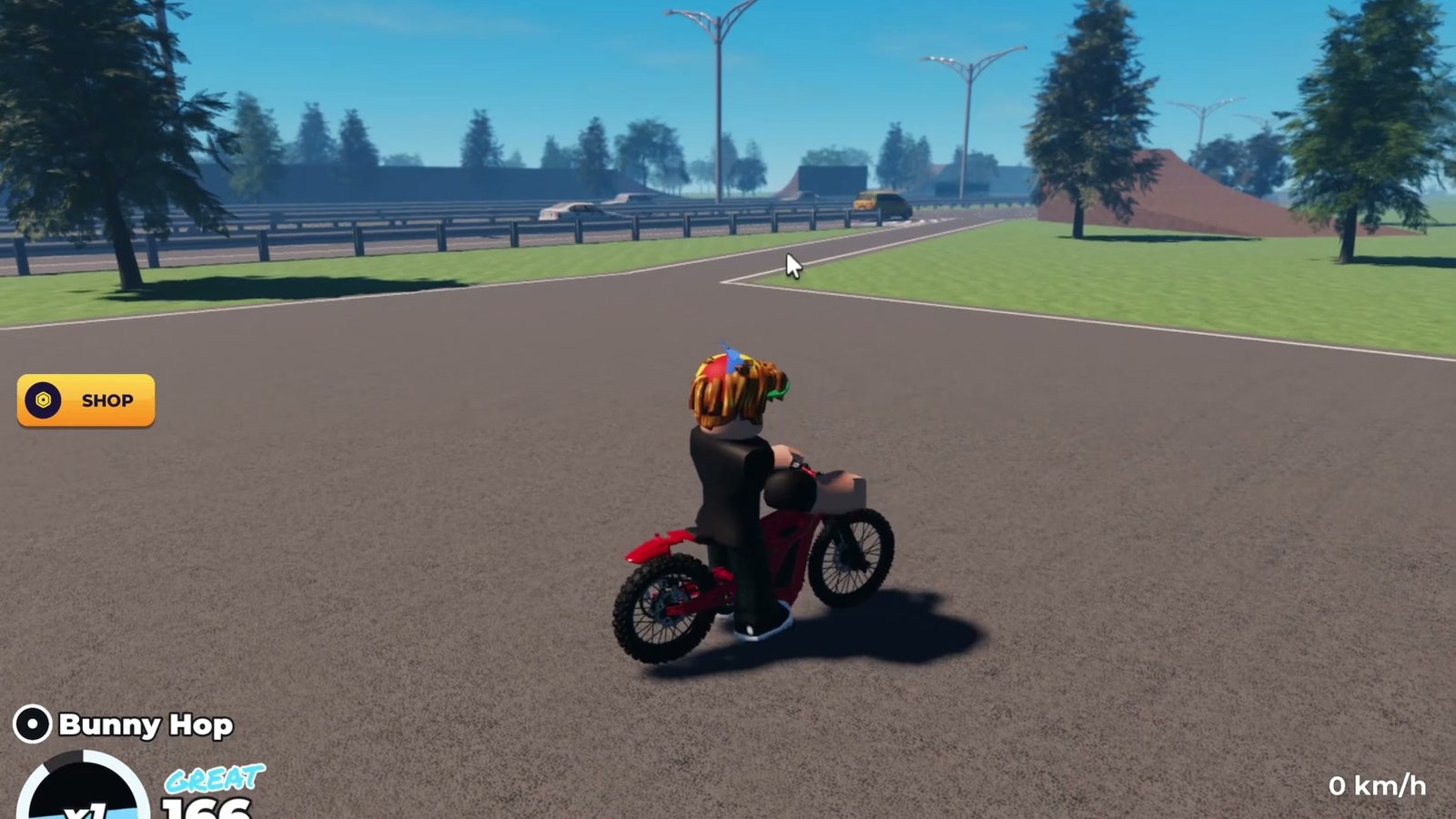
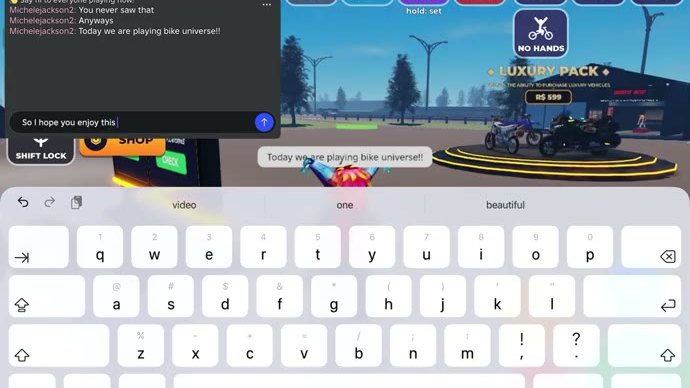
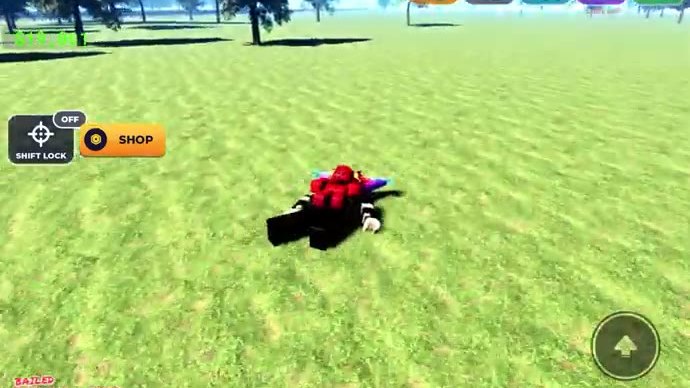
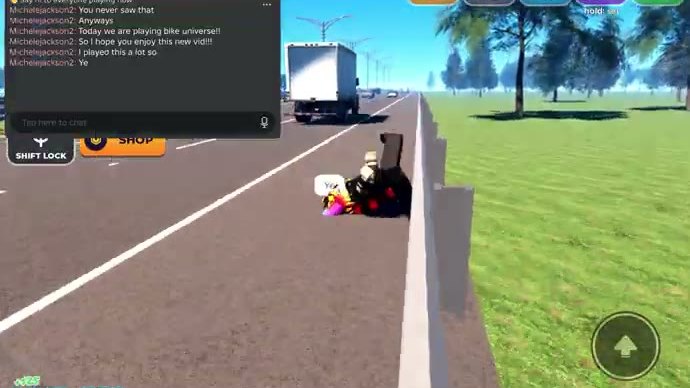
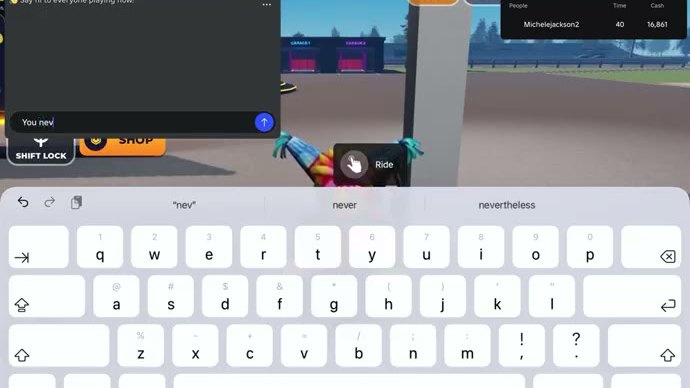
Gameplay still from a public Roblox video.
The button row
| Button | Opens | When you use it |
|---|---|---|
SHOP | Bikes, parts and the five Robux passes | Buying anything at all, including the game passes |
BUILD | The build system on your current bike | Changing what you already own instead of buying new |
BIKES | Your garage, with a search field and ALL / E-BIKES / MOTORBIKES / SPORT BIKES filters | Before any purchase — it shows what you own and what is EQUIPPED |
PHONE | The phone apps: menus and jobs | Starting scheduled events and finding something to do |
SPAWN | Your spawn point | After a long bail, or when you want to start a session near the ramps instead of the dealer lot |
The same row also shows context items as the situation changes — an OFF or BIKE action appears next to the others depending on whether you are on or off the bike.
The keybinds and inputs
| Input | What it does |
|---|---|
SHIFT | Shift lock, the camera control you want on at speed |
LOCK | The lock state shown next to shift lock on the HUD |
GAS | Throttle — the pedal input for accelerating |
REAR BRAKE | The brake pedal; the input you will use most often in traffic |
HOP / UP | Stunt inputs, used with the action prompt strip |
| Action prompt strip | The changing list of what you can do right now: GET OFF SEAT, STAND, 1 HAND, NO HANDS, and the stunt set |
That is the whole control surface. There is no map key, no inventory key and no hotbar to learn — anything that is not in the table above is handled by the button row or by riding.
On a phone or tablet
The HUD is the same on mobile; what changes is that the inputs are on-screen. Two practical consequences:
- The pedals are the thing to get right first.
GASandREAR BRAKEare touch controls in the bike panel, so the natural first mistake is braking with your thumb over the road view instead of on the pedal — practise a stop before you practise a stunt. - The action strip is tap-driven.
STAND,1 HANDandNO HANDSare tapped from the prompt strip rather than held, which makes mobile stunts easier to start and harder to hold. Keep to bunny hops and powerslides until the muscle memory is there.
Settings that matter in practice
Bike Universe does not hand you a performance menu full of numbers, so the useful adjustments are the ones you make outside the game:
- Give the game room to breathe. Close background apps on a laptop or a phone; a stutter during a stunt is the difference between a payout and a
BAILED. - Use a device where the HUD is legible. The speed readout and the stunt name print in small type at the bottom of the screen, and you need to read both while riding.
- Keep shift lock on from the moment you are moving. The camera stays behind the bike, which is what makes lane changes and landings predictable — everything in the stunt guide assumes it.
- Check the pedals after every respawn. If the throttle does not respond immediately after you have bailed or rejoined, that is a state problem rather than a settings problem — common problems covers the checks.